

How to Configure Webhook on KS Pay
How to Configure Webhook on KS Pay?
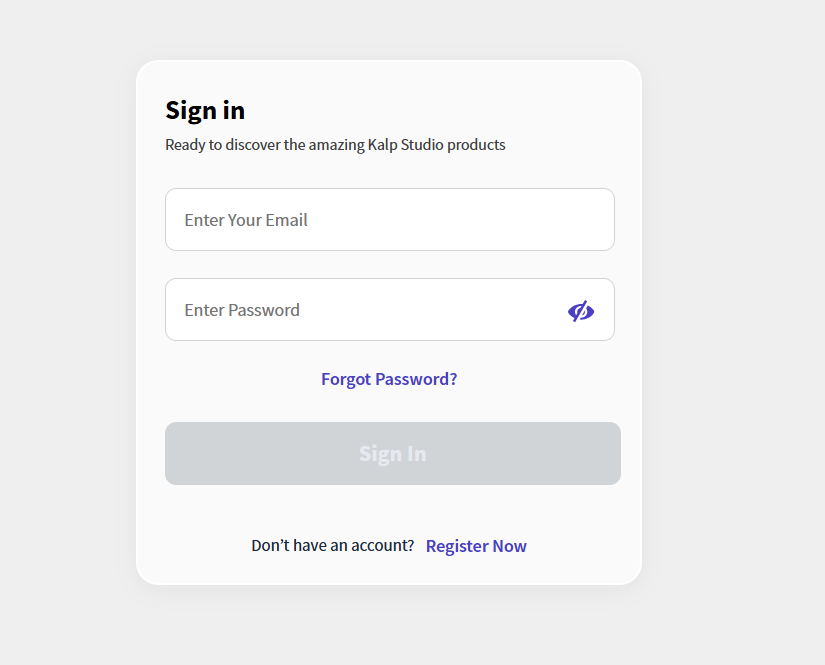
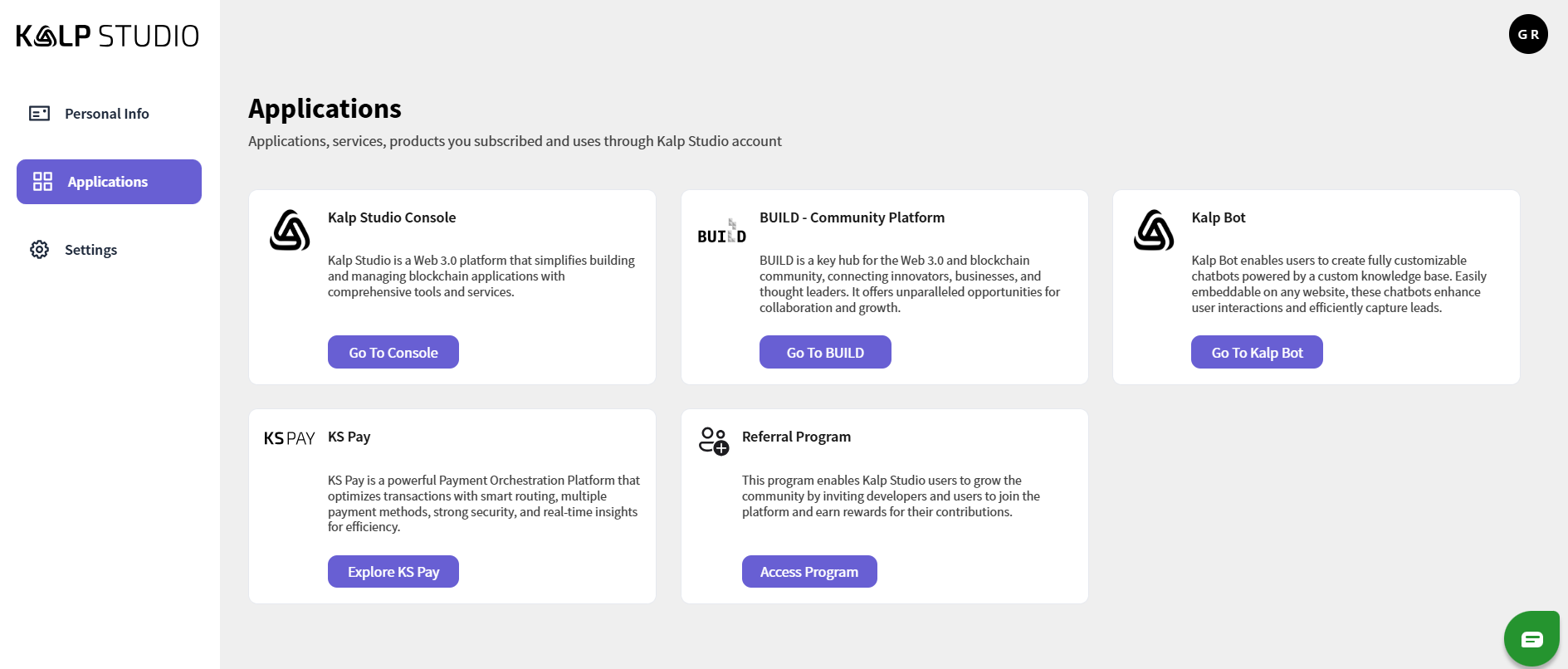
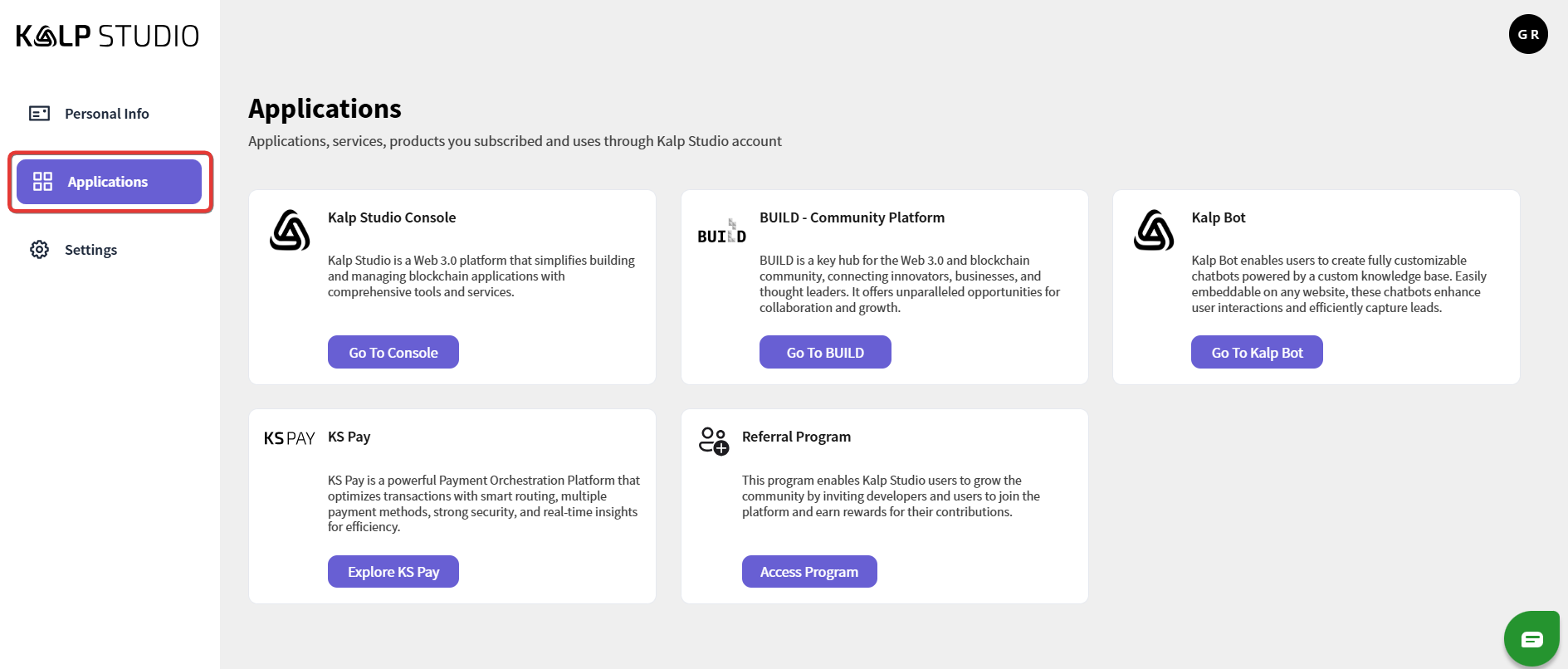
Step 1: Accessing the Applications Section in Kalp Studio
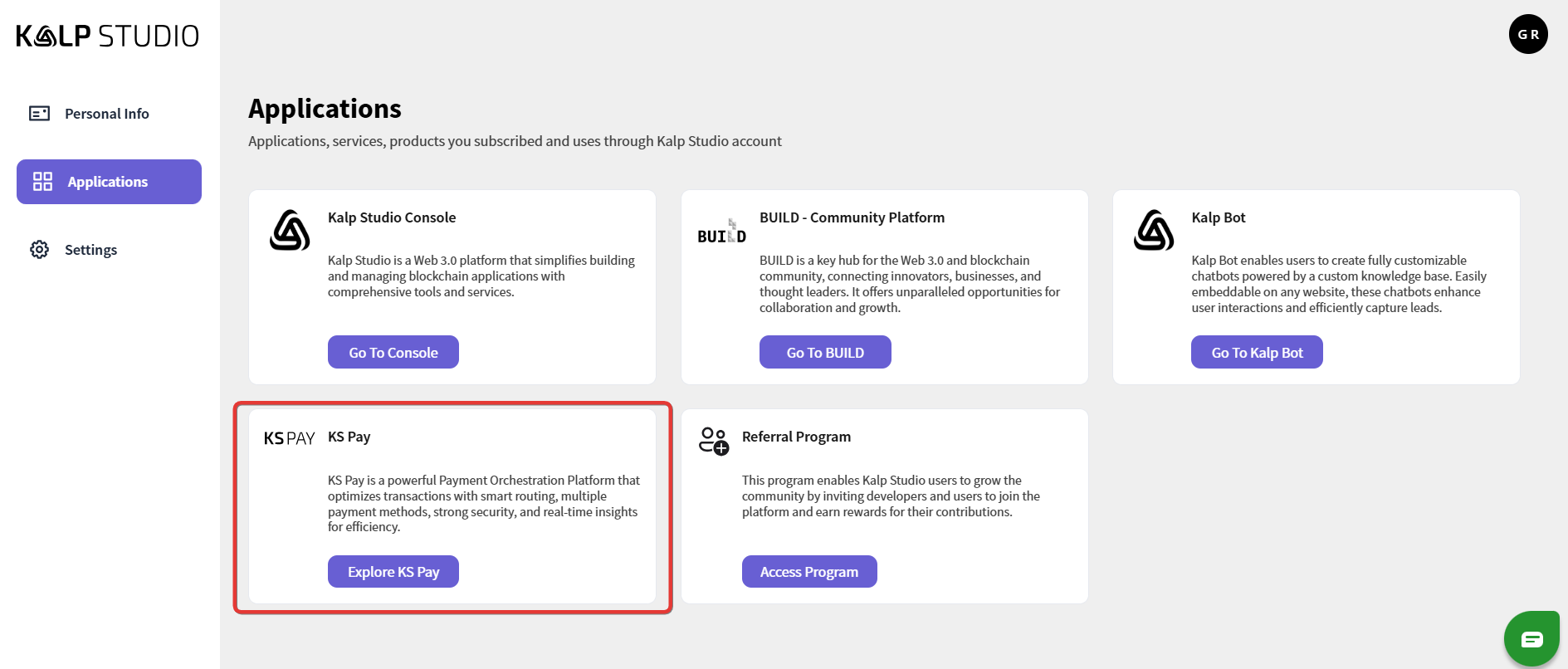
Step 2: Navigating to KS Pay from the Applications List
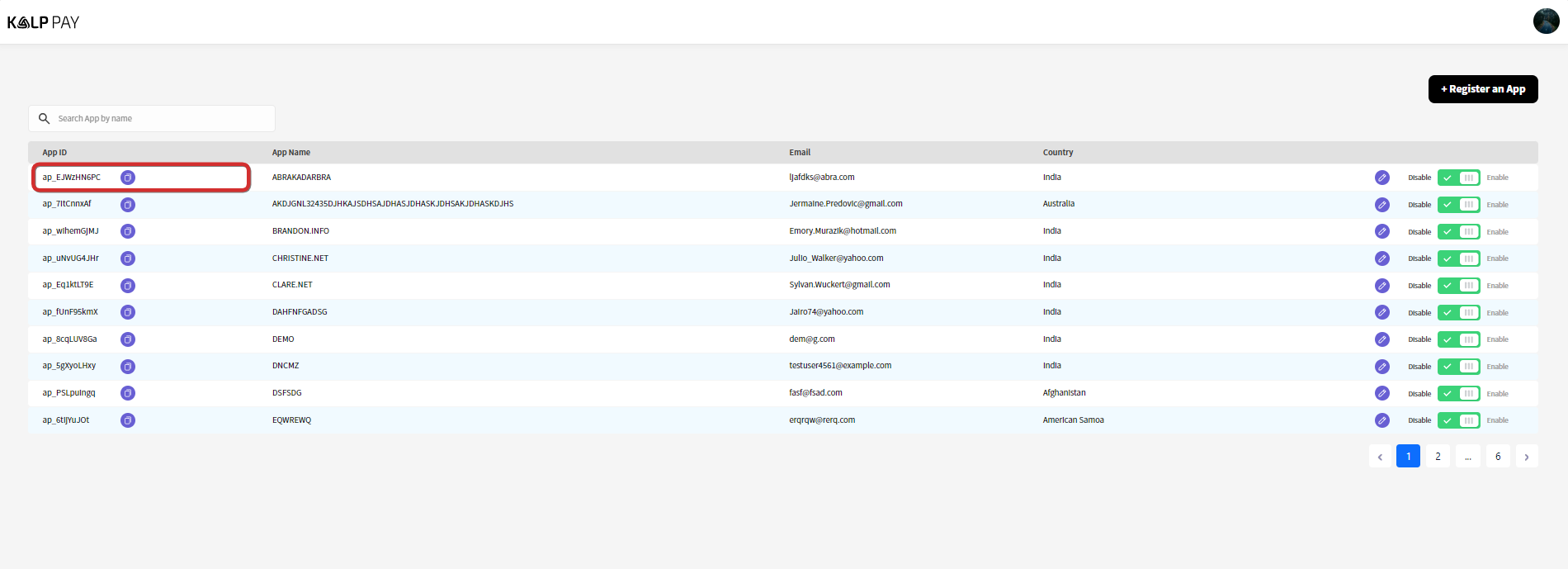
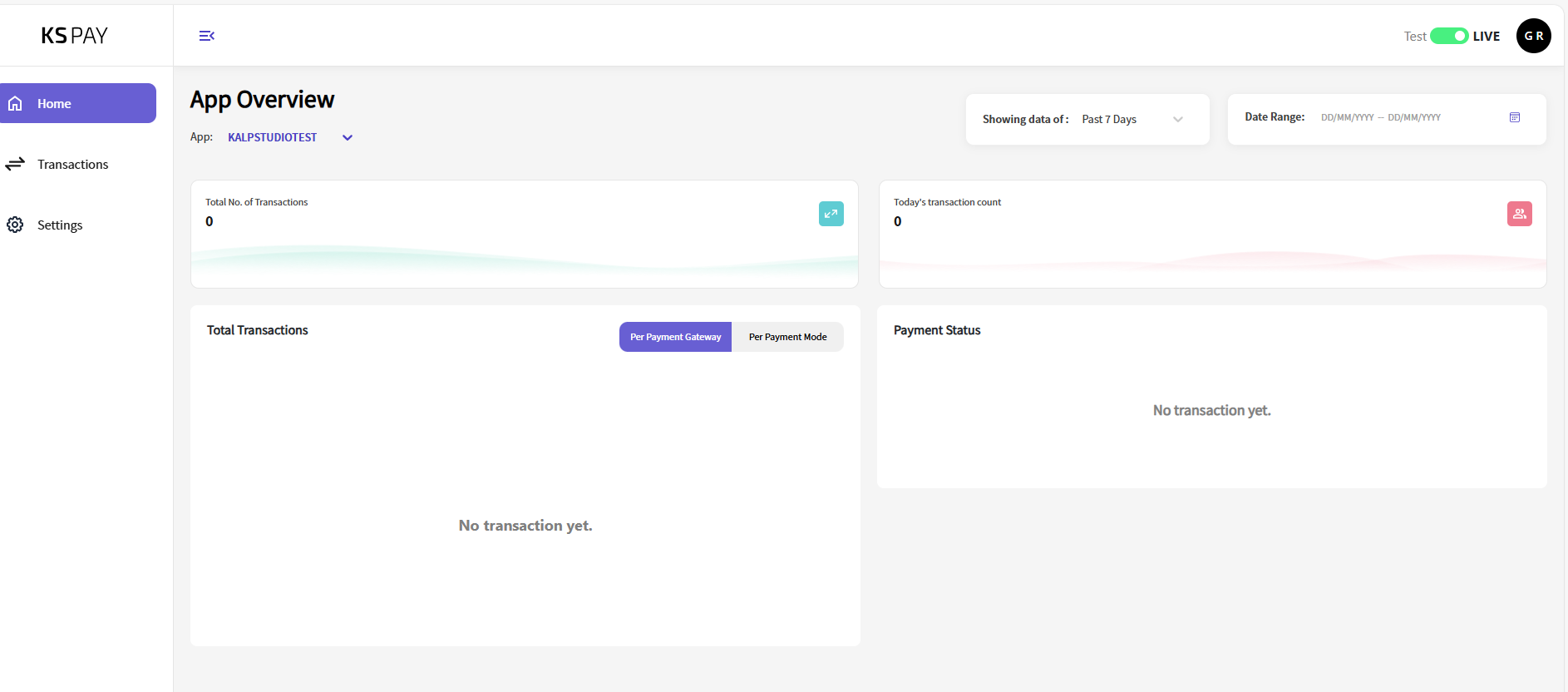
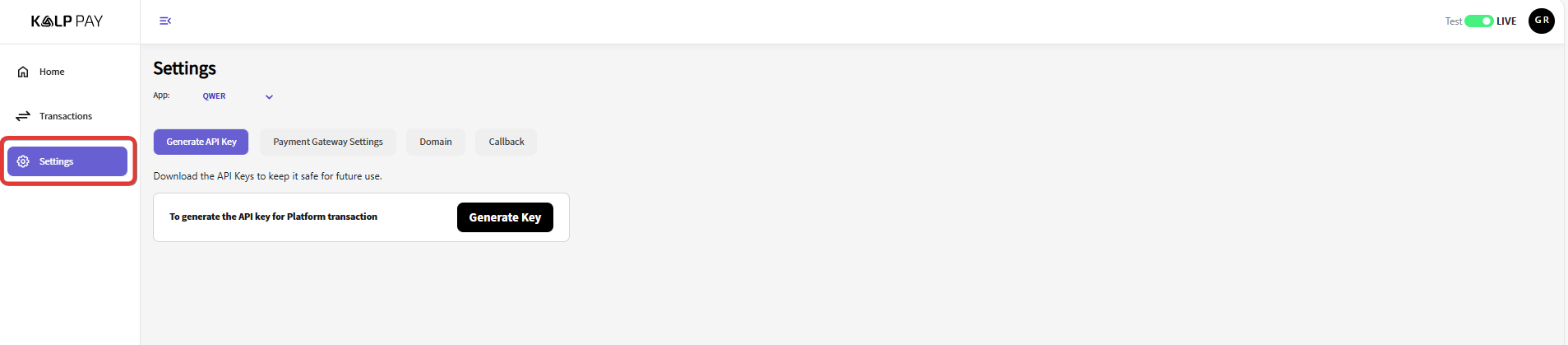
Step 3: Navigate to the Settings Tab
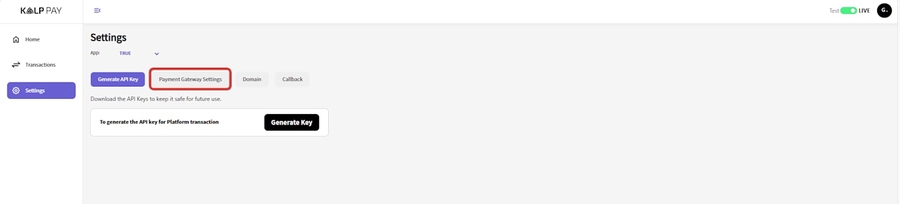
Step 4: Accessing Webhook Configuration in KS Pay
Navigate to "Settings" > "Payment Gateway Settings"
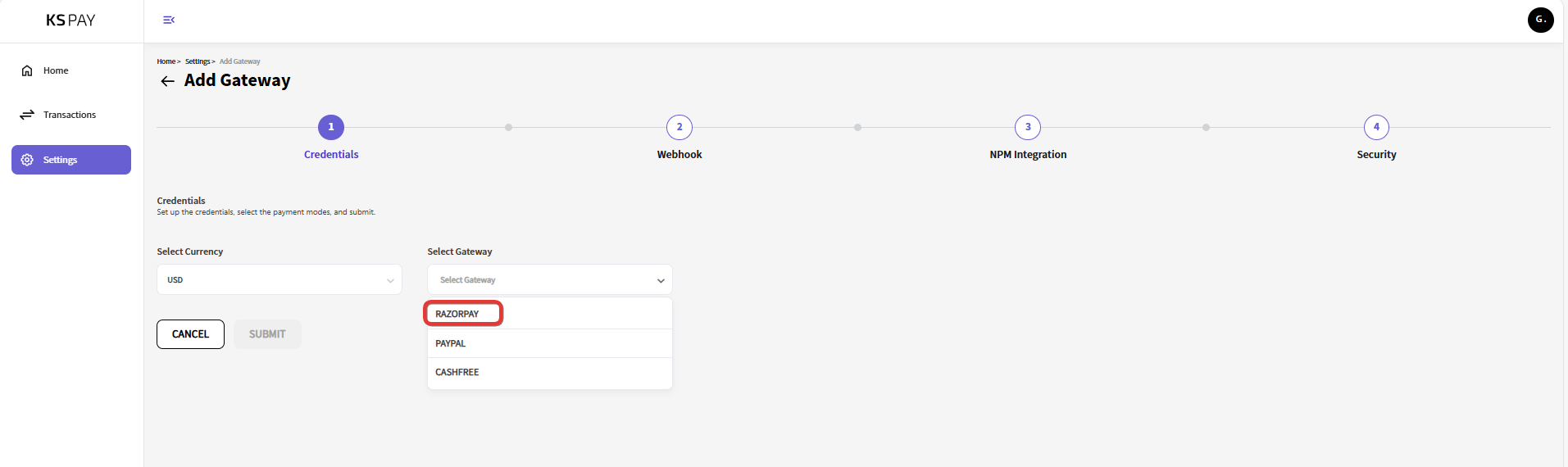
Step 5: Obtain Webhook URL and Secret from KS Pay
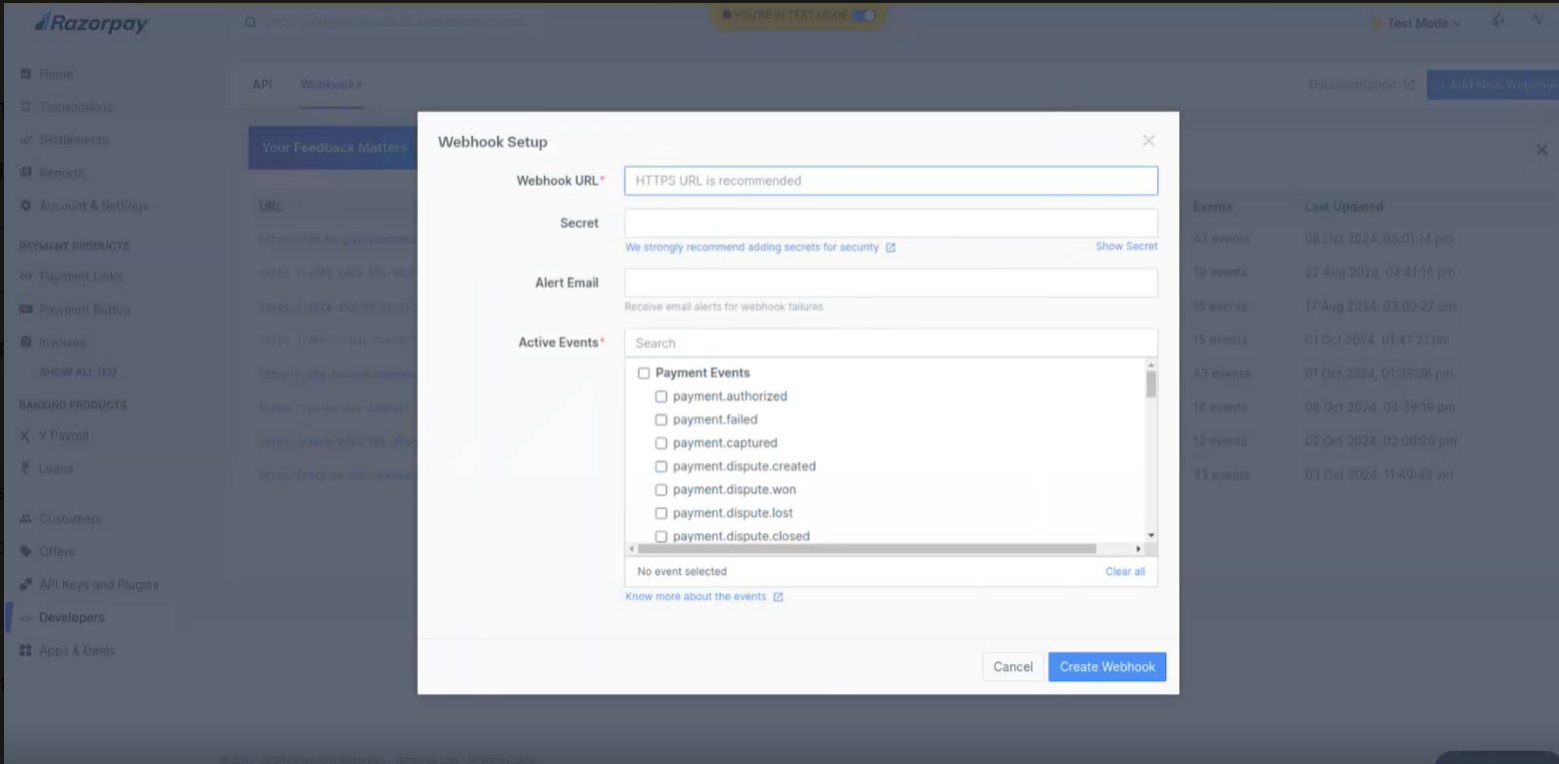
Step 6: Configure the Webhook in Your Payment Gateway (Razopay)
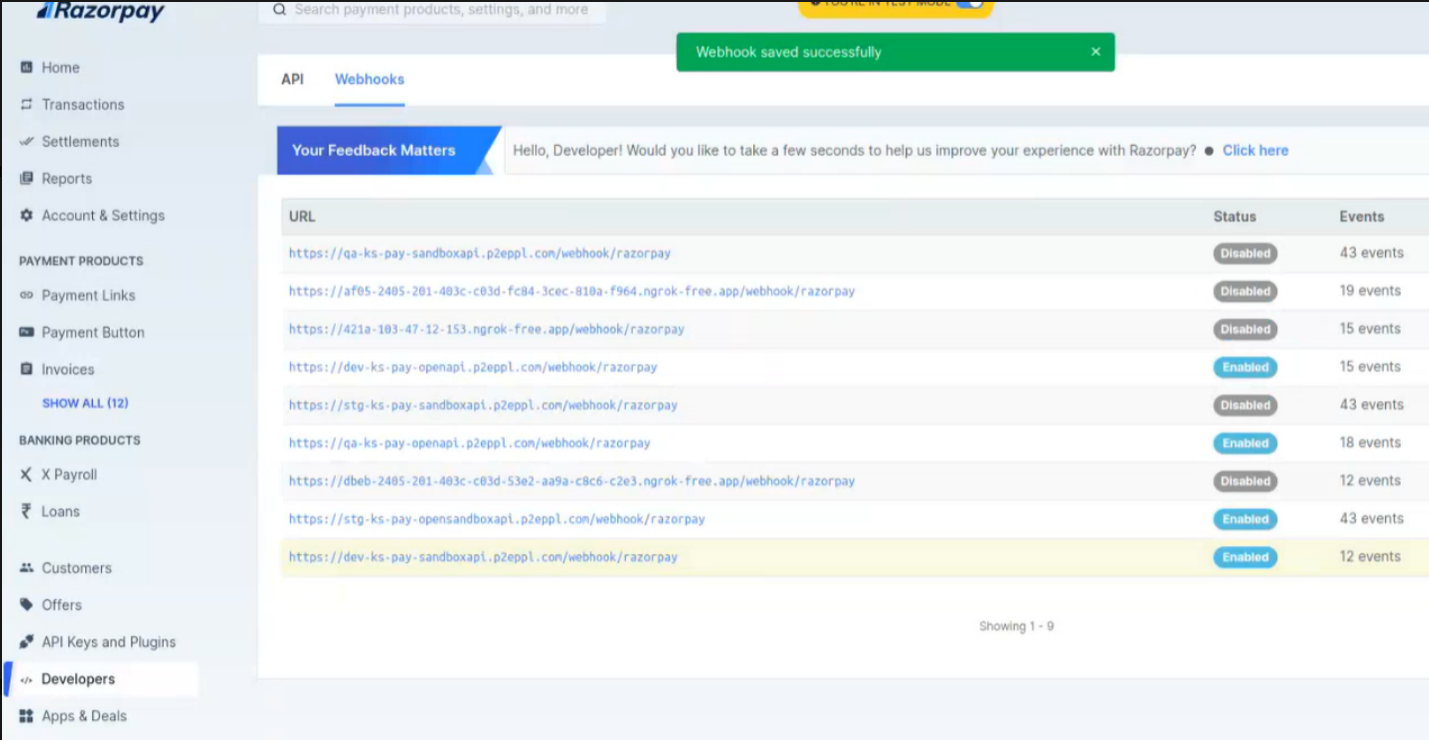
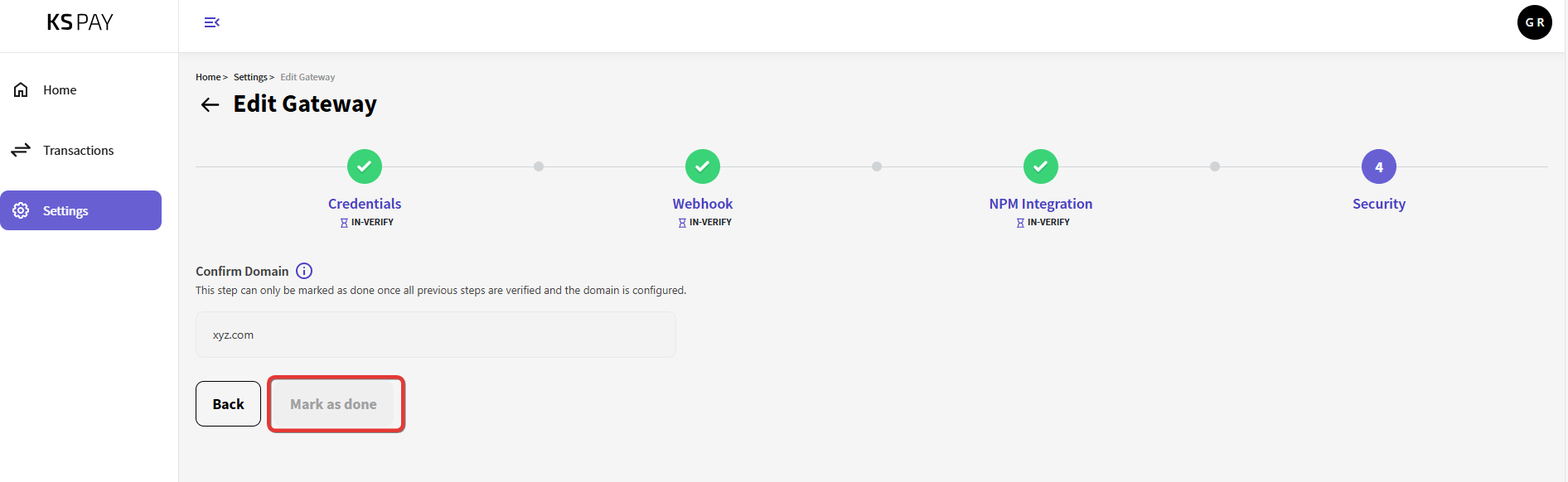
Step 7: Finalizing Configuration in KS Pay
Last updated