

How to view your transactions
How to view your Transactions on KS Pay
Step 1: Accessing the Applications Section in Kalp Studio
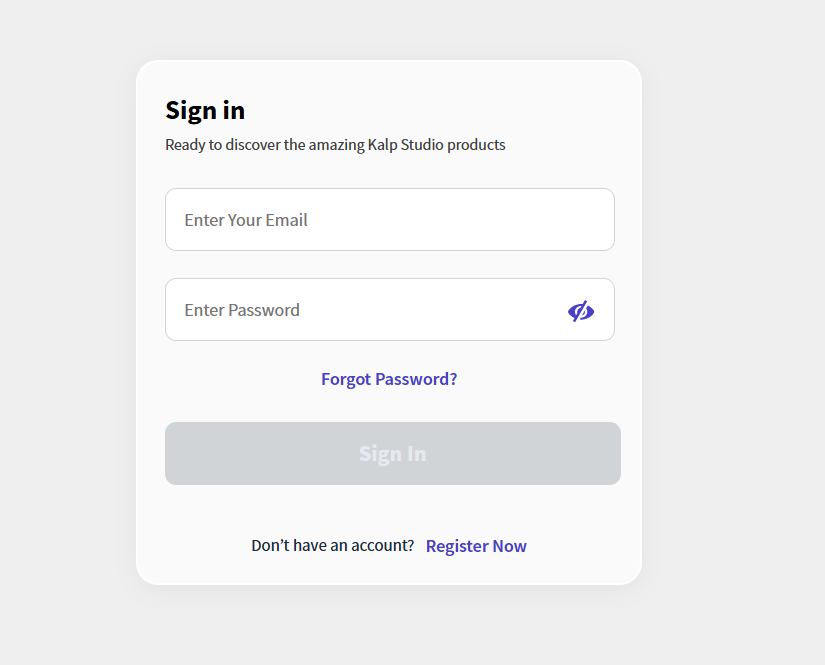
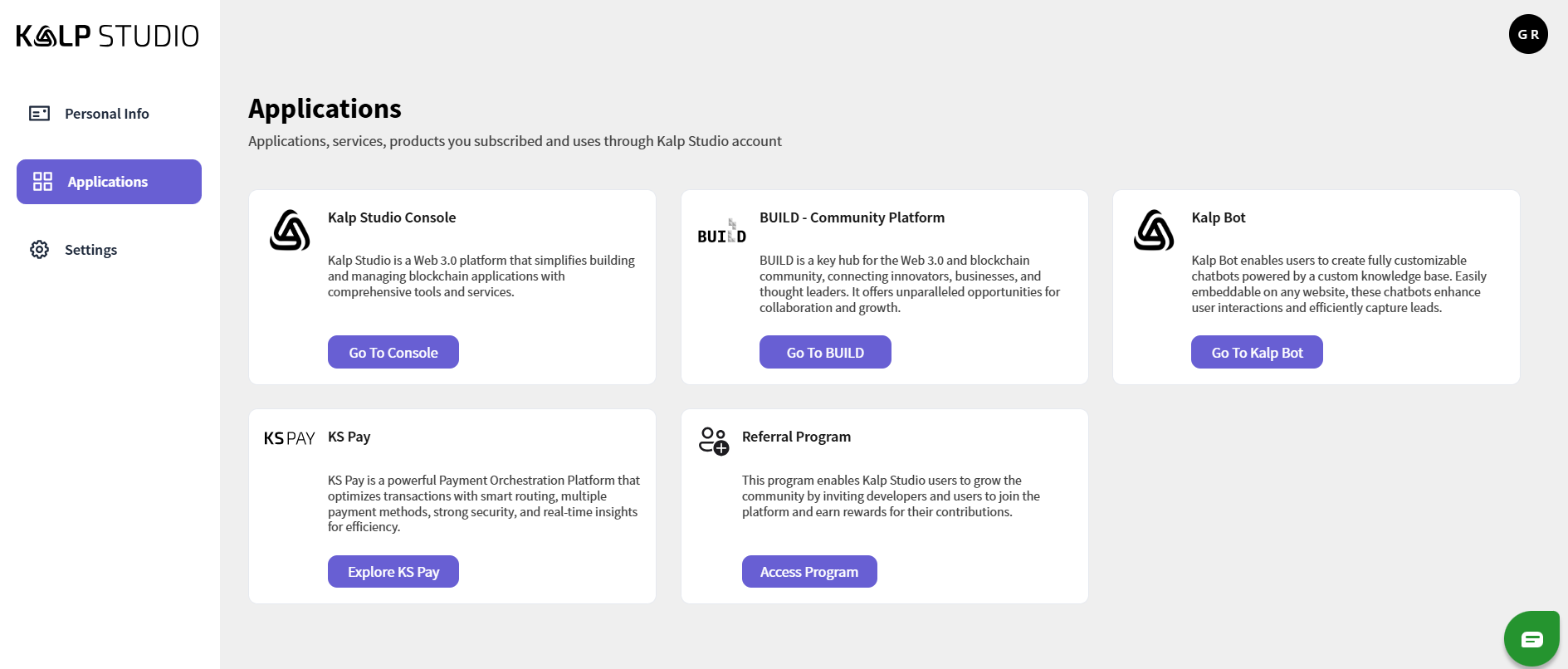
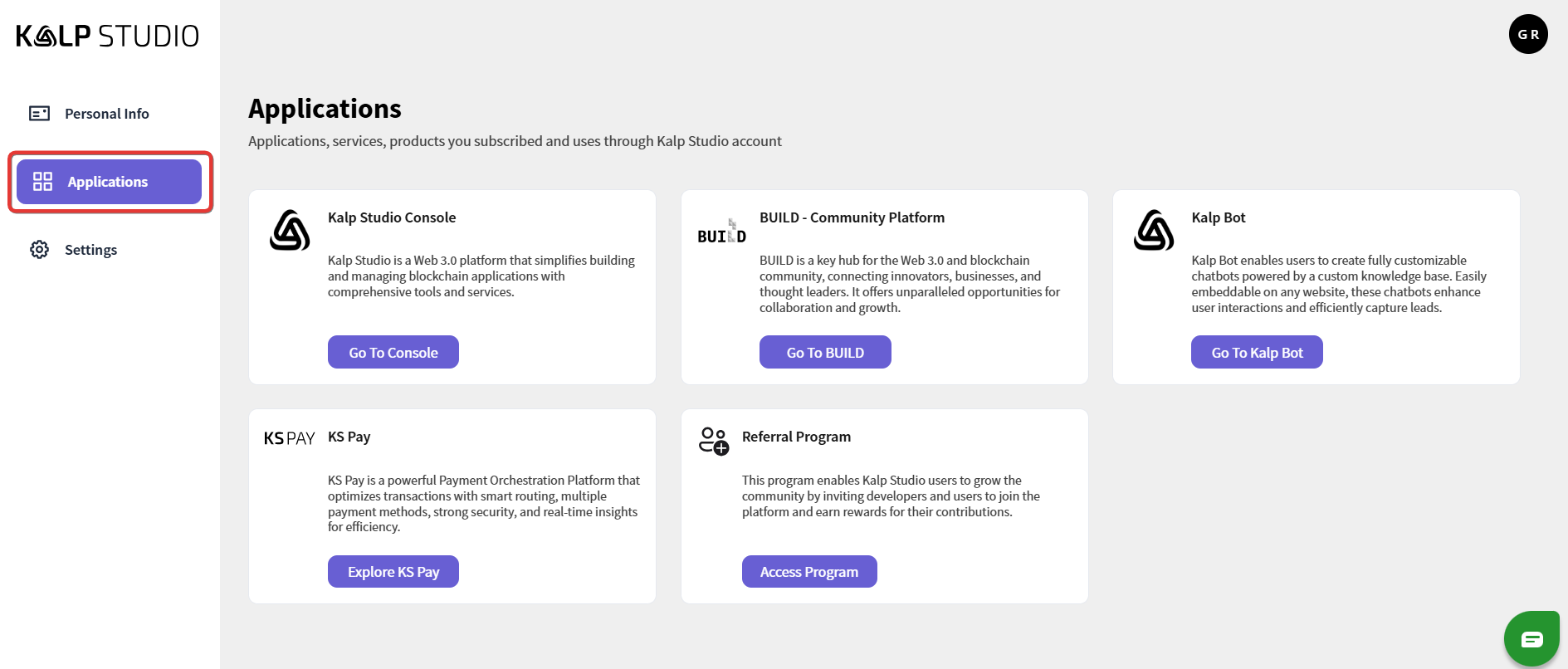
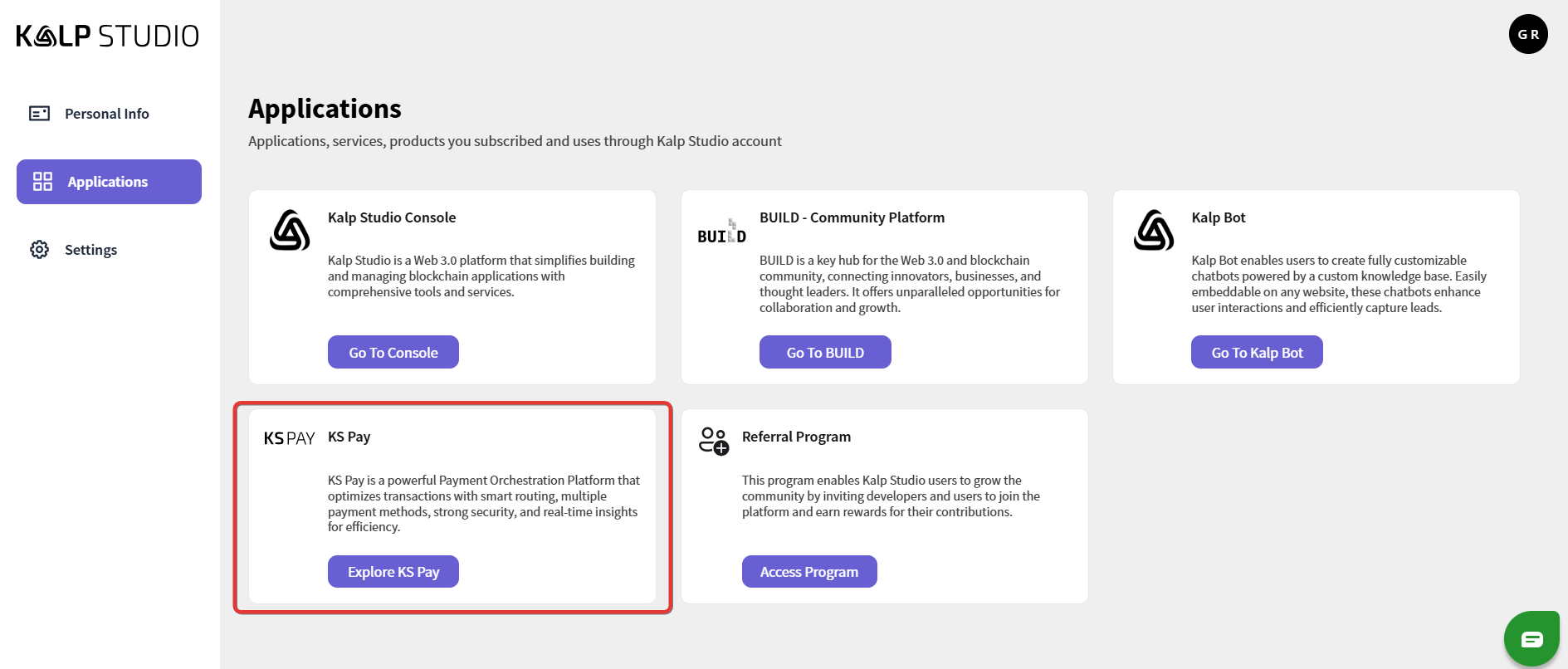
Step 2: Navigating to KS Pay from the Applications List
Step 3: Access the KS Pay Dashboard
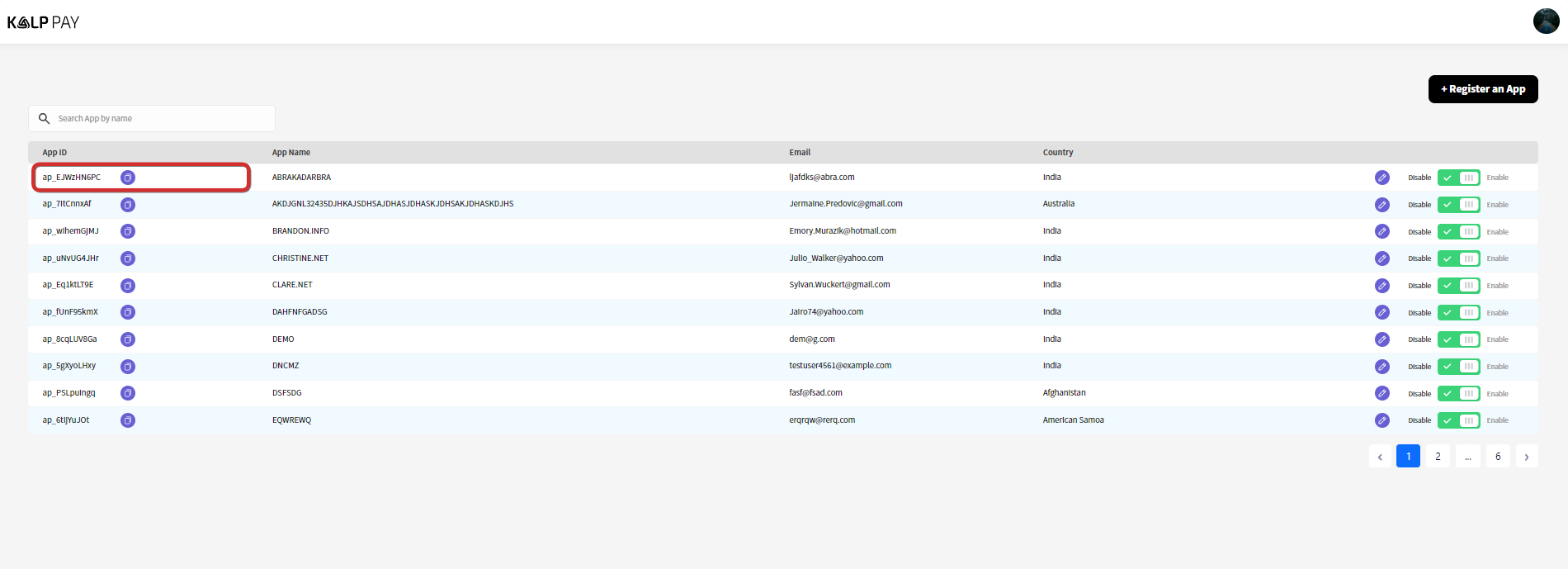
Step 4: Open the App Overview
Click on the app name from the list to open the App Overview.
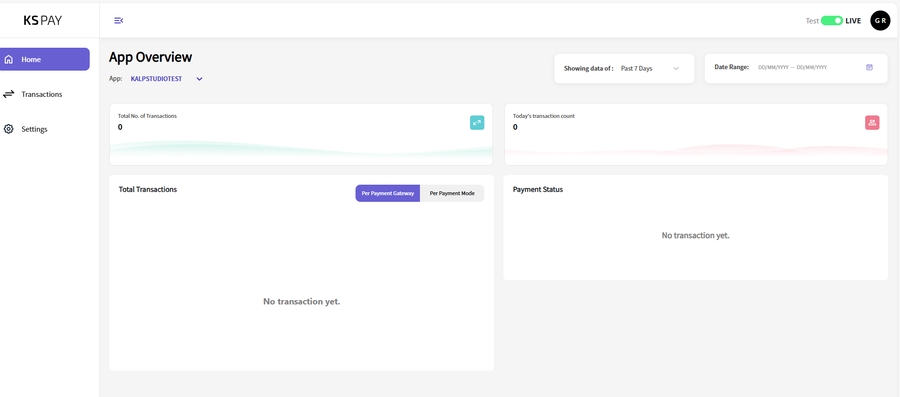
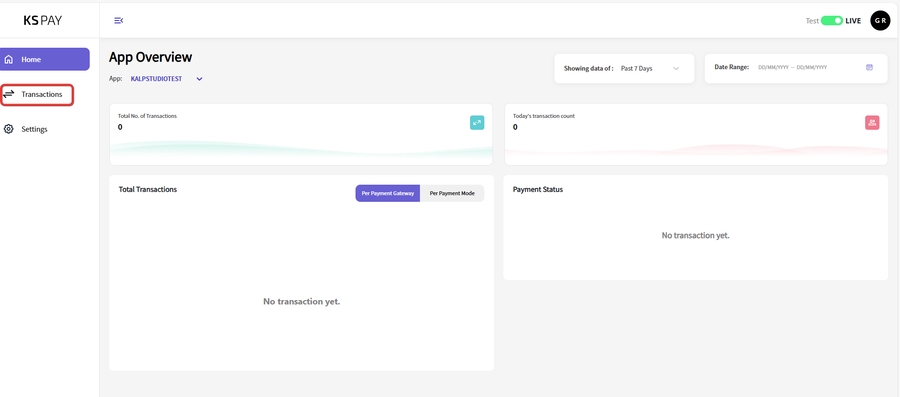
Step 5: Navigate to the Transactions Tab
On the left sidebar, click on Transactions to access the transaction history.
You’ll be directed to a page with a detailed view of all transactions for the selected app.

Step 6: View Transaction History
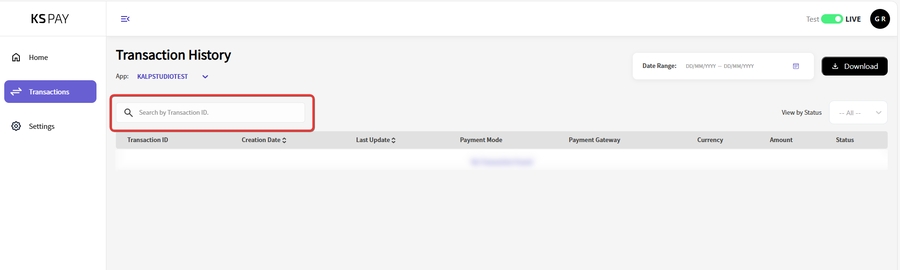
In the Transaction History section, you’ll see a list of transactions with details such as Transaction ID, Creation Date, Last Update, Payment Mode, Payment Gateway, Currency, Amount, and Status.
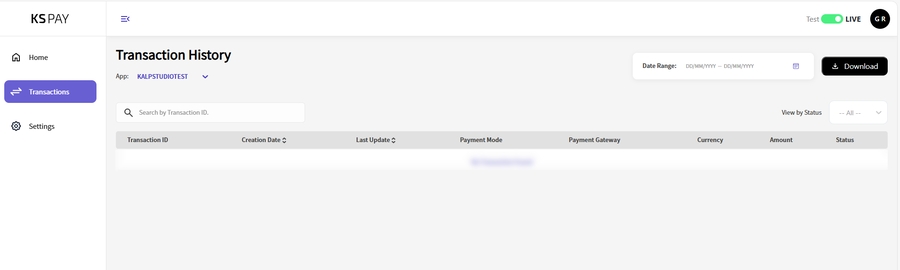
To find a specific transaction, you can use the Search bar by entering the Transaction ID.
Step 7: Filter or Download Transactions
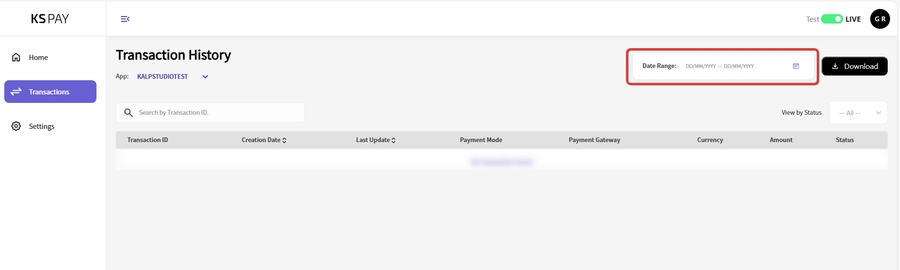
Use the Date Range filter at the top to view transactions within a specific time frame.
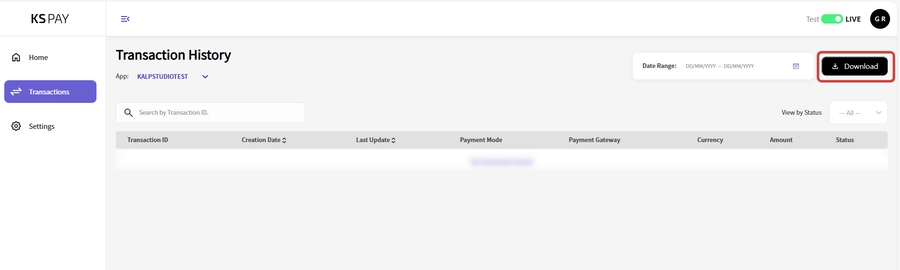
If needed, you can download the transaction history by clicking on the Download button in the top-right corner.
Last updated