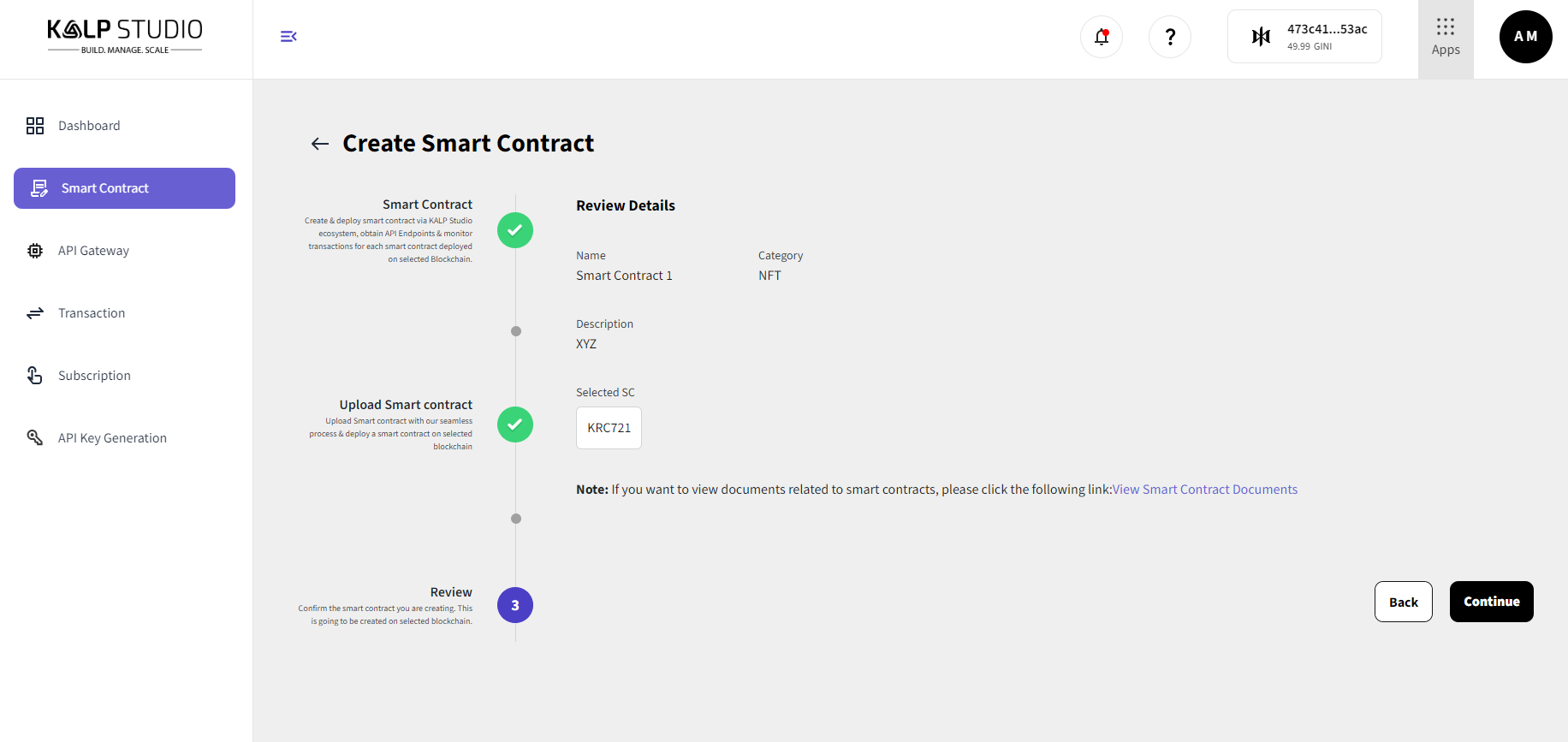
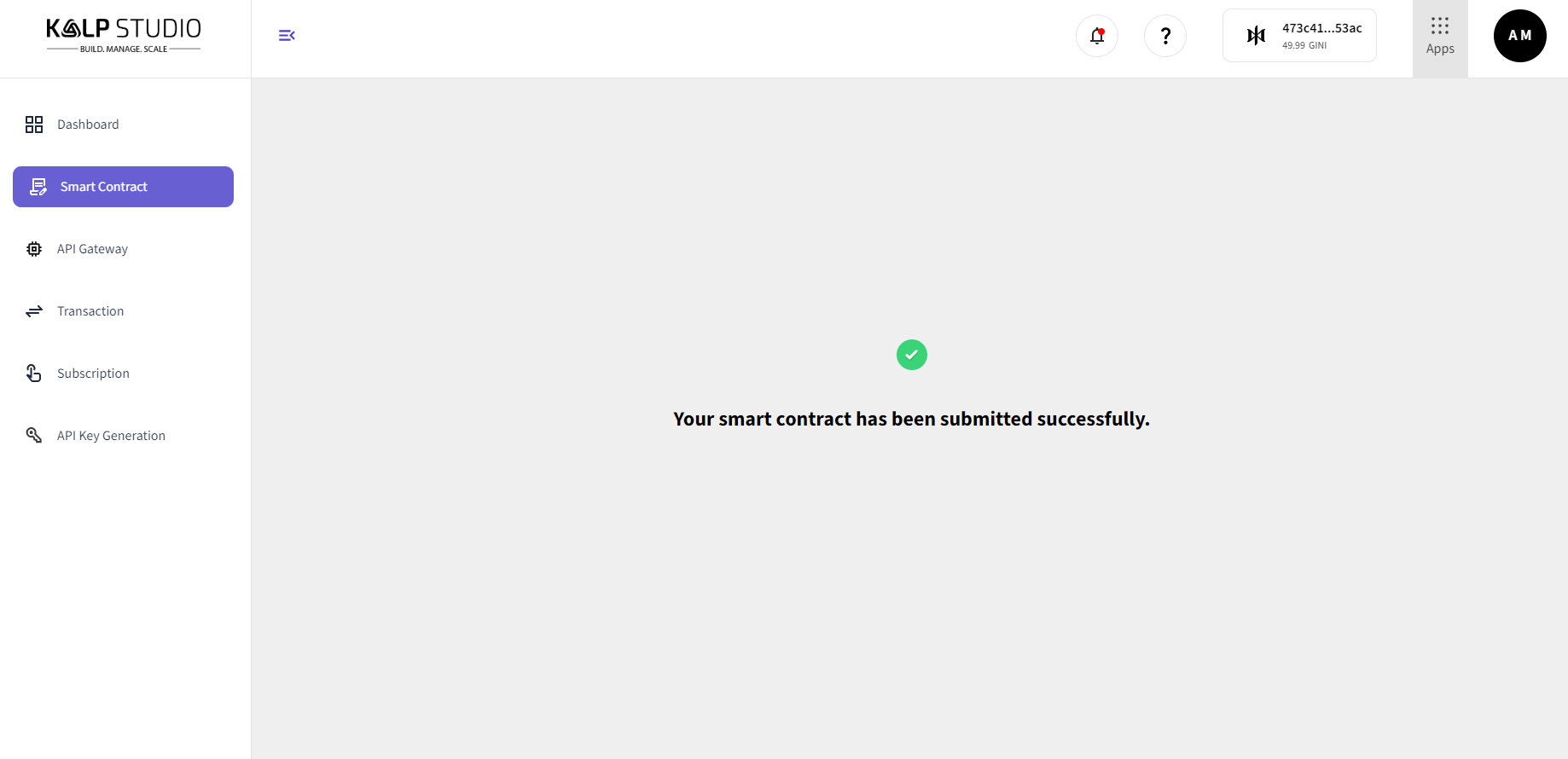
Deploy the smart contract
For detailed steps on how to deploy a smart contract using Kalp Studio, refer to the [Kalp Instant Deployer documentation](https://docs.kalp.studio/Getting-started/Kalp-Instant-Deployer/How-to-Deploy-a-Smart-Contract-on-Kalp-Studio/).

This guide provides an overview of the smart contract deployment process and covers the following:

- Setting up your environment
- Uploading your smart contract
- Configuring deployment settings
- Deploying the contract on the desired network

Visit the documentation for a comprehensive step-by-step tutorial.Please note that we only support the following file formats for uploading custom smart contracts:
- `.tar.gz`
- `.tar.xz`
- `.zip`
Ensure that your smart contract files are compressed in one of the above formats before uploading. Files in other formats will not be accepted.How to Deploy a Smart Contract on Kalp Studio
Step 1: Access the Kalp Studio
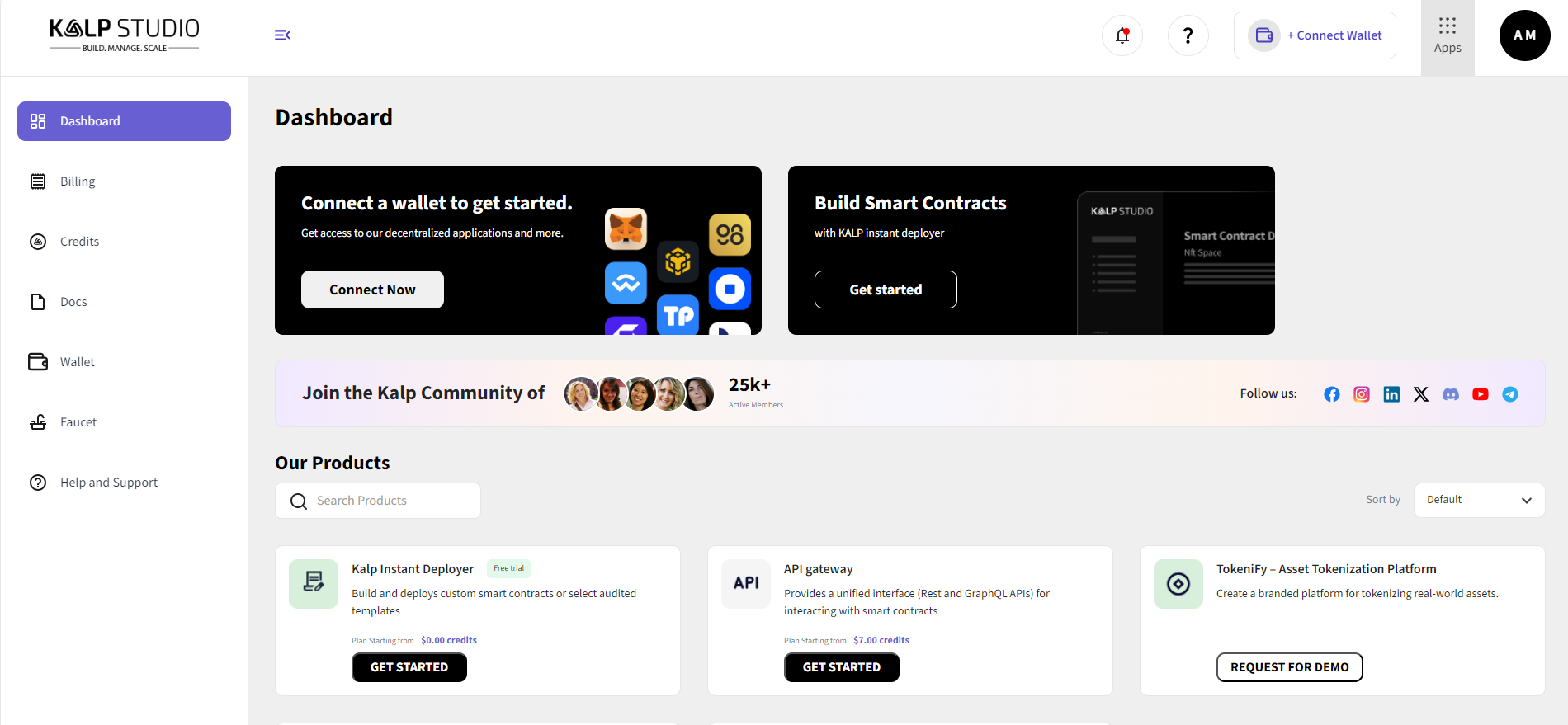
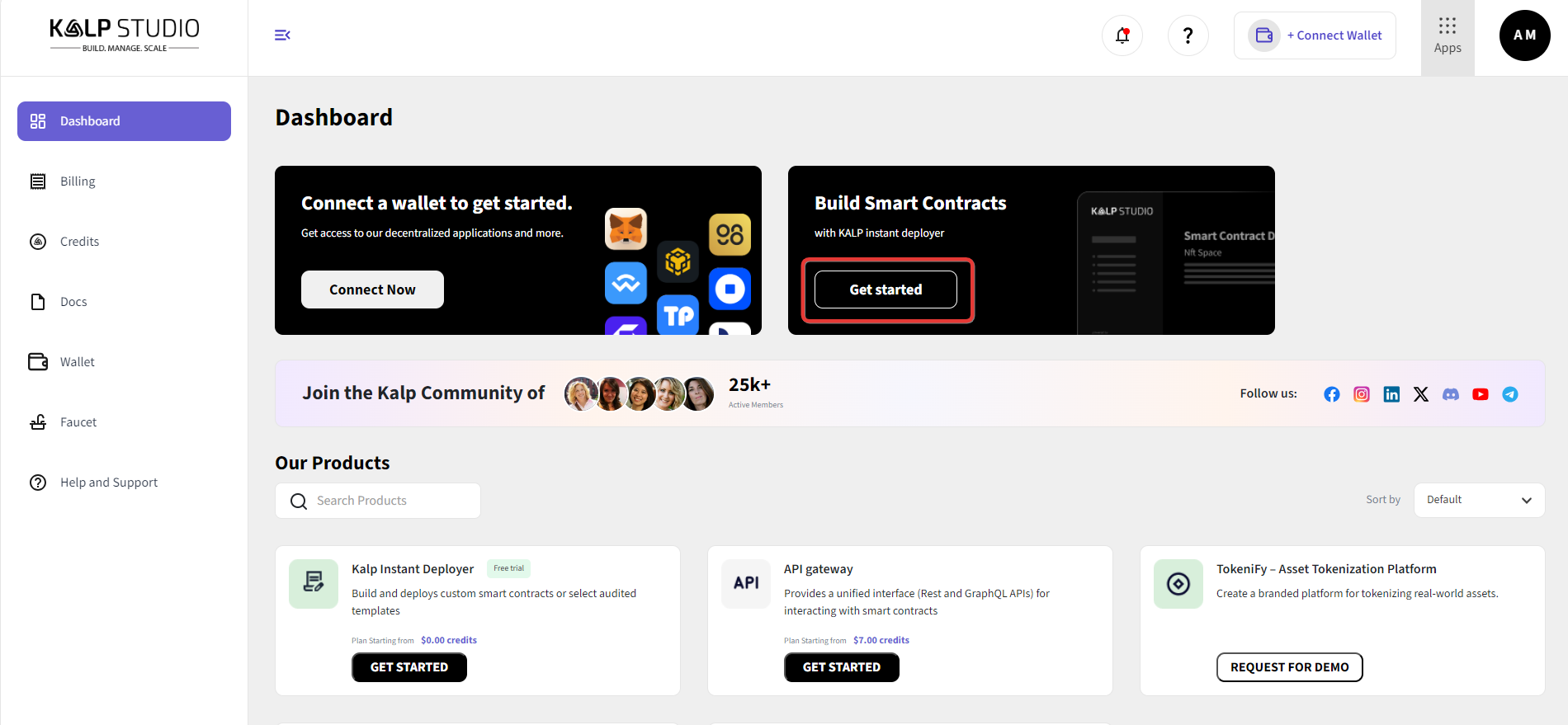
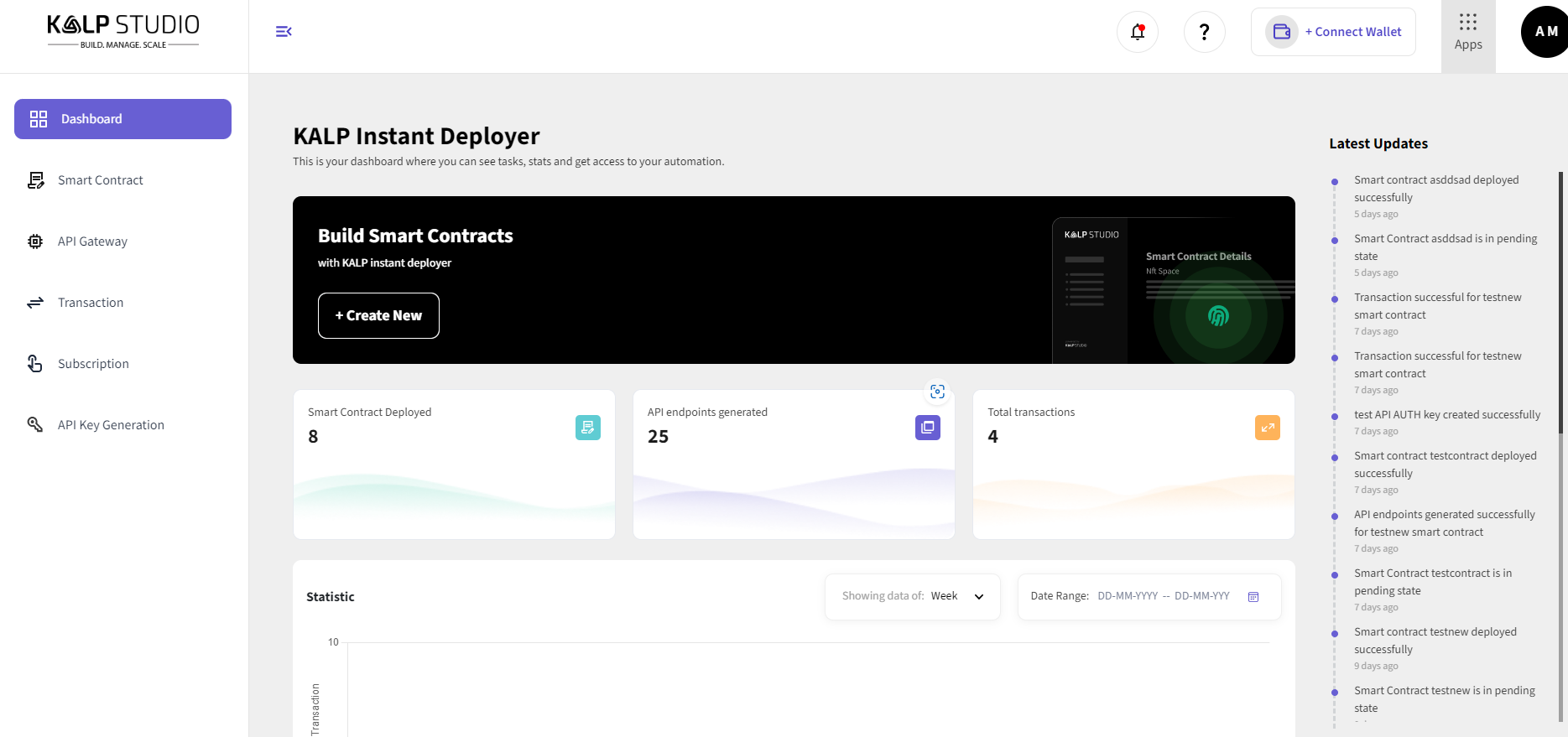
Subscribing to the Smart Contract Deployer
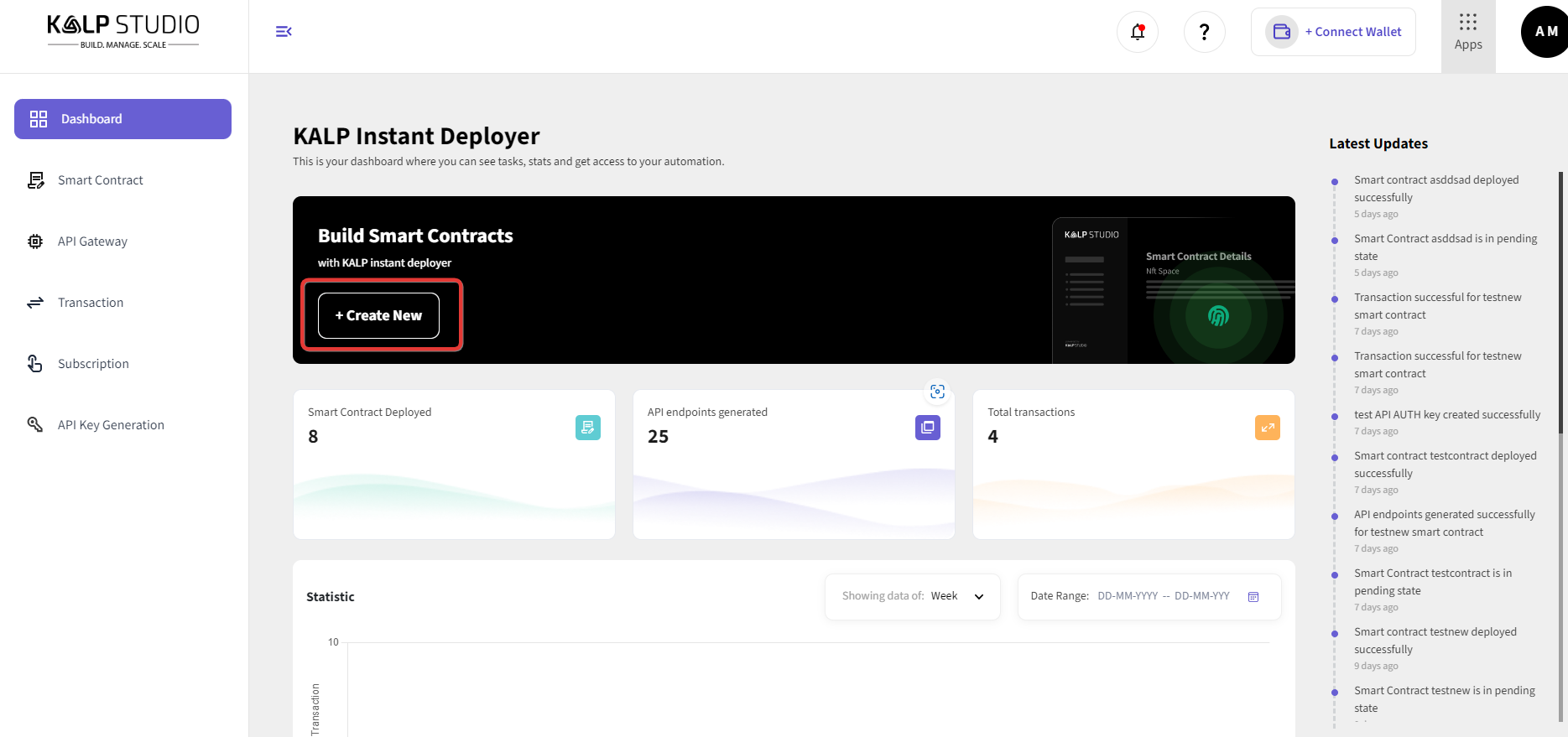
Step 2: Creating a New Smart Contract
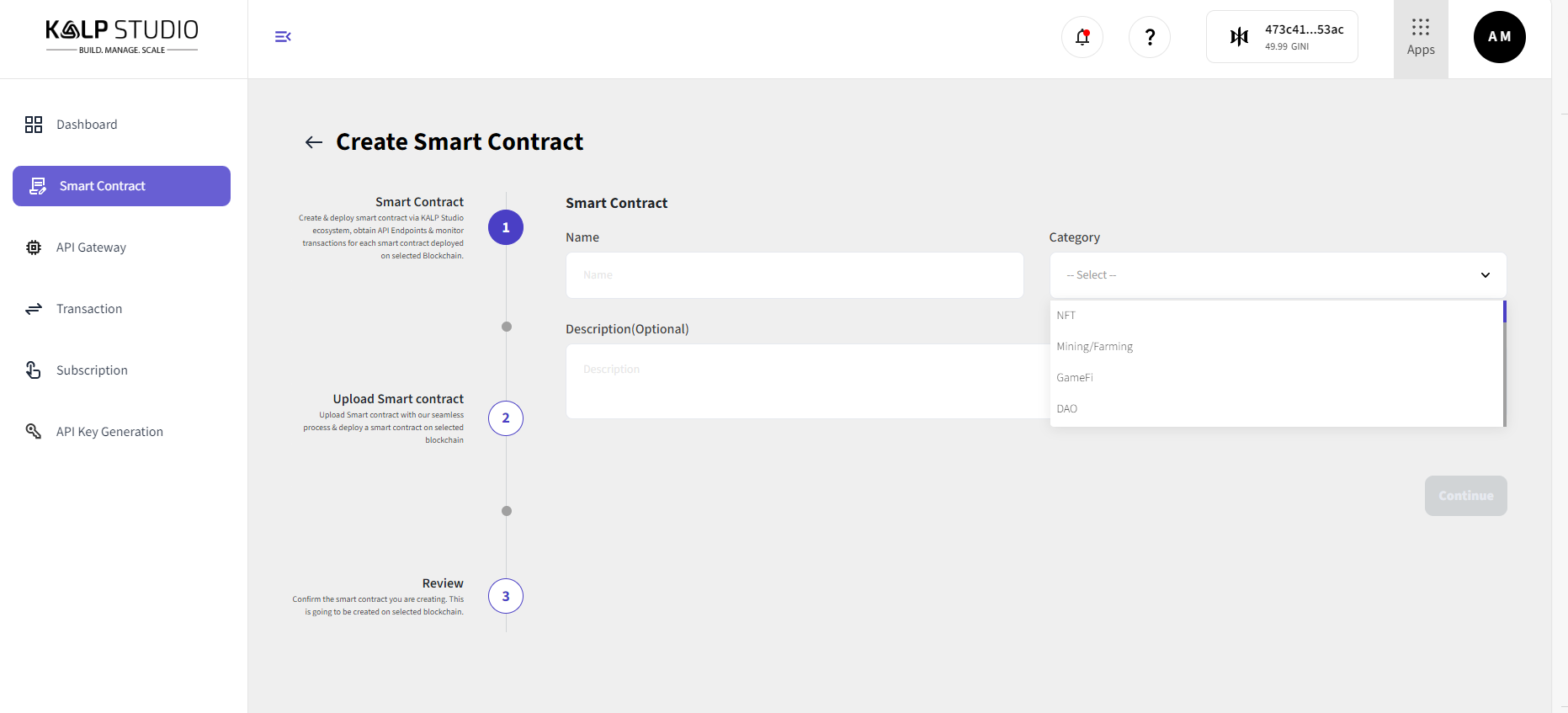
Entering Smart Contract Details
Step 3: Uploading the Extension File
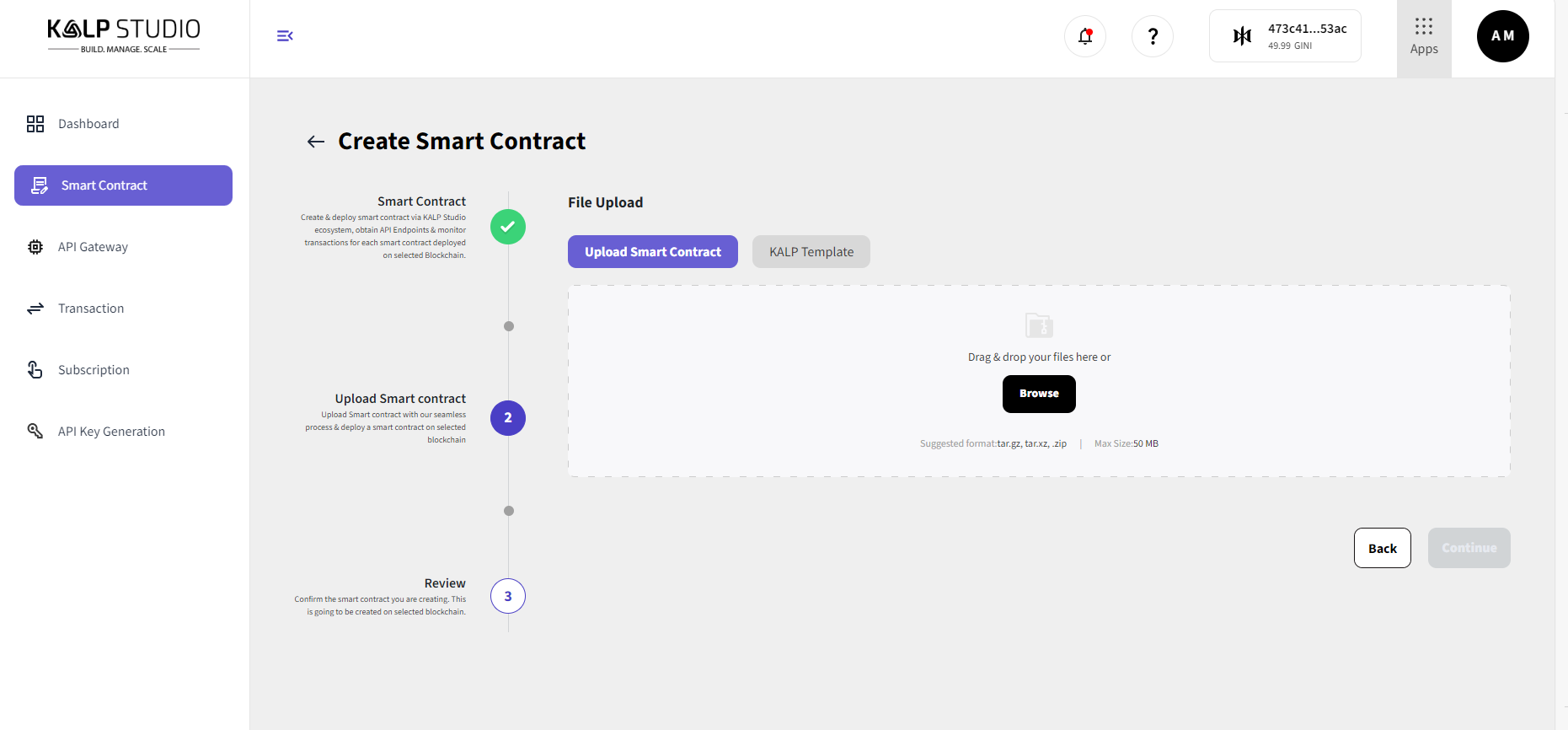
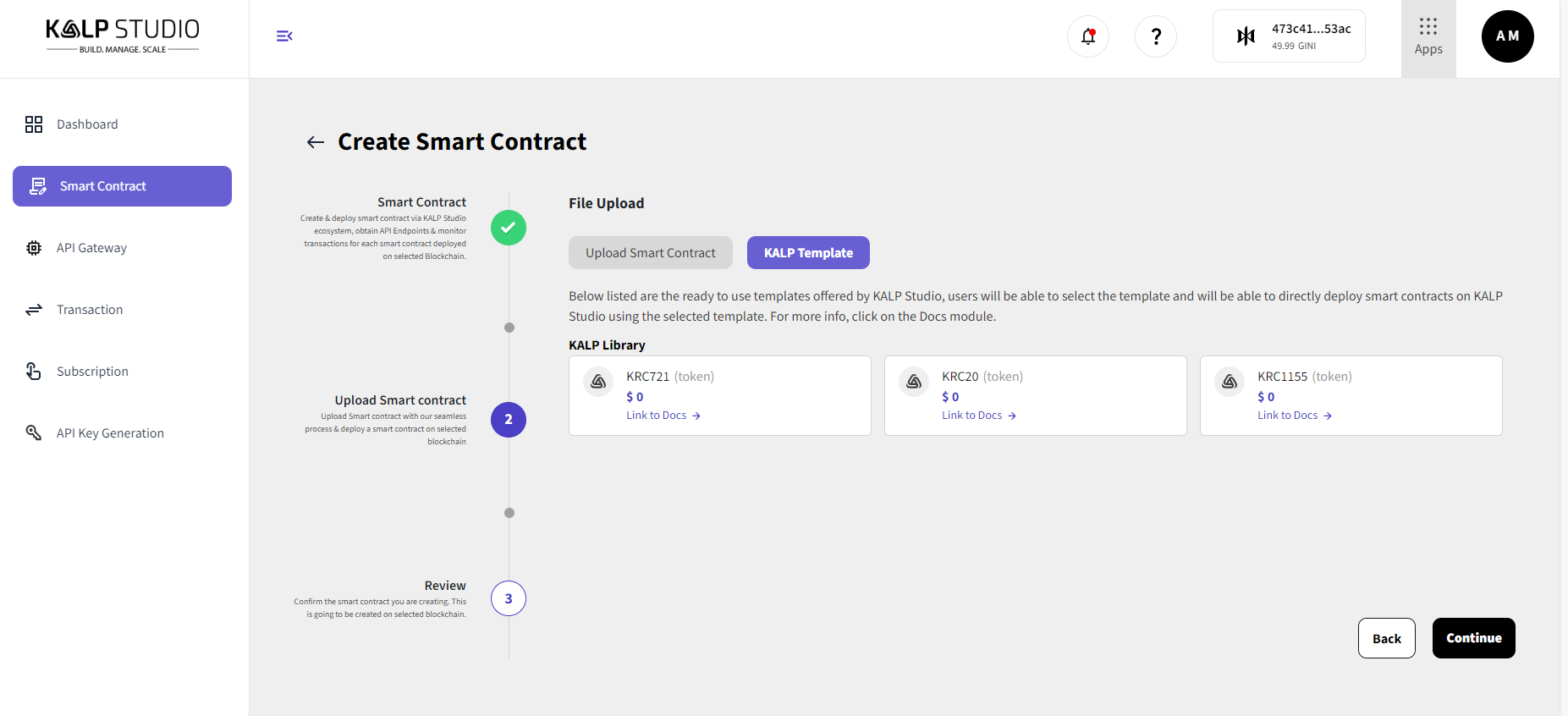
Step 4: Selecting a Template
Step 5: Reviewing and Deploying