

How to connect DAPP
Prerequisites:
Step 1: Open the KALP Studio Wallet App
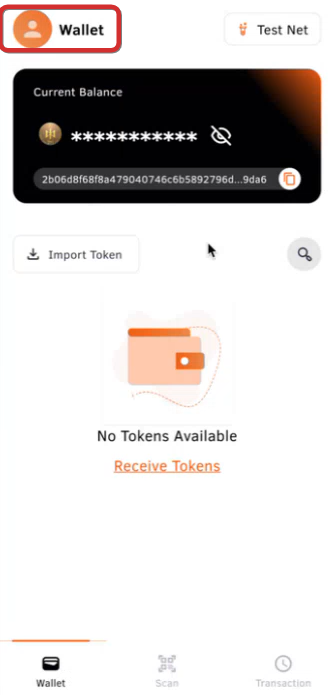
Step 2: Access Wallet Settings
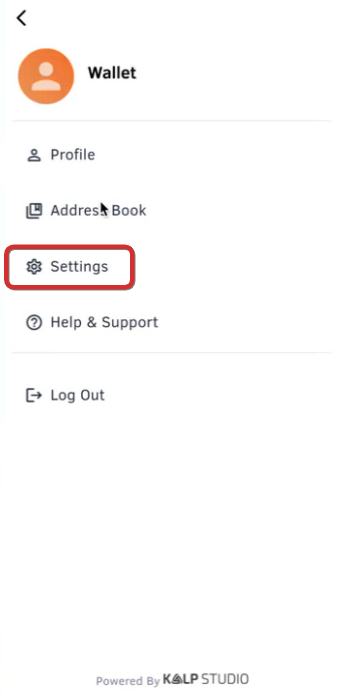
Step 3: Navigate to Connected DApps
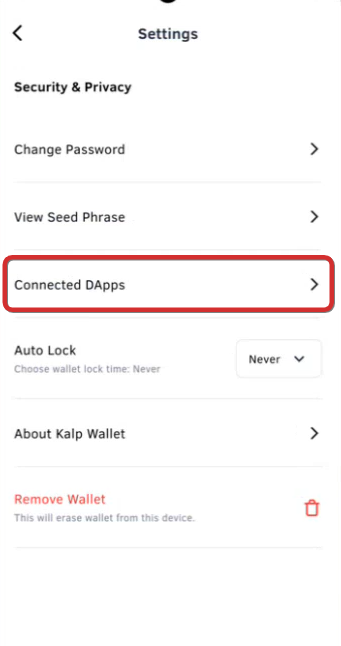
Step 4: Link a New DApp
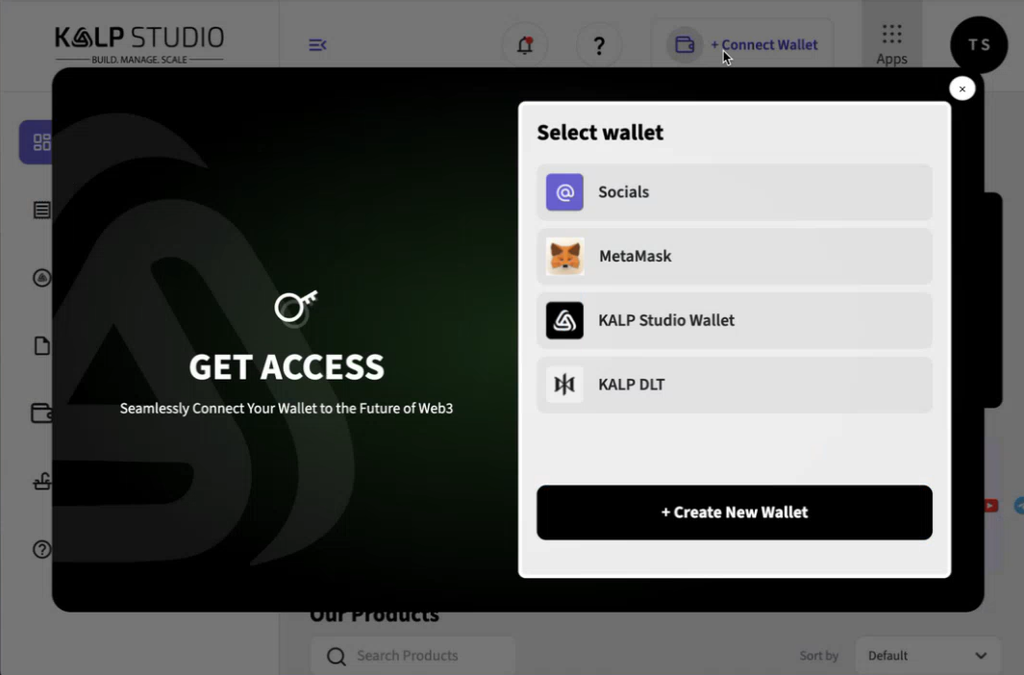
Step 5: Select DLT
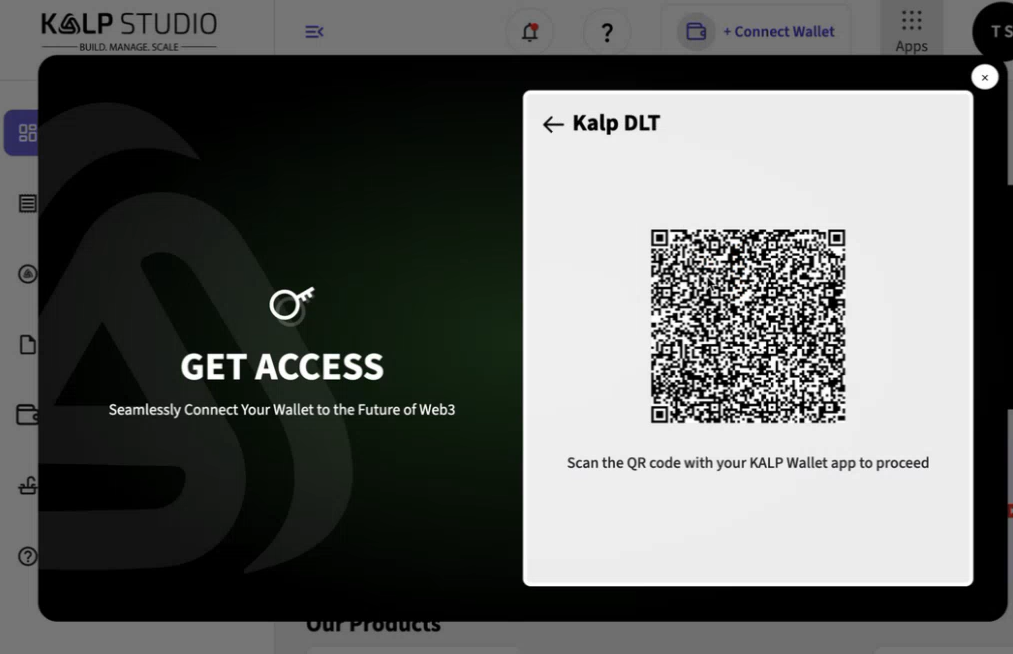
Step 6: Scan the QR Code
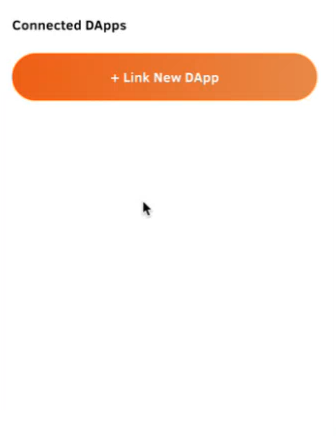
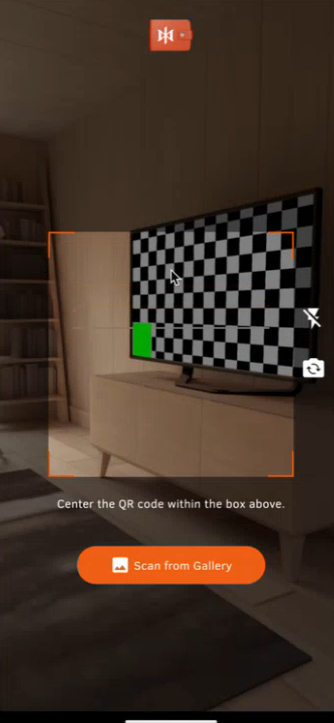
Step 7: Approve the Request
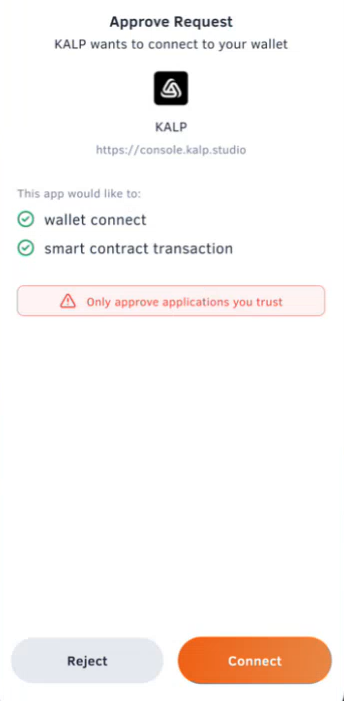
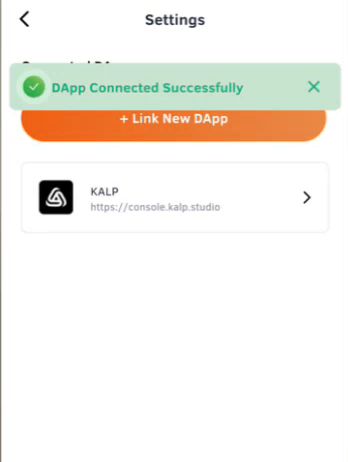
Step 8: Confirmation
Step 9: Return to DApp
Last updated