

How to reset password
Step 1: Open the Kalp Wallet Extension
Step 2: Access the Settings Menu
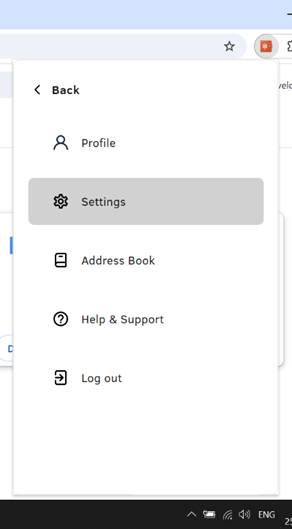
Step 3: Navigate to the Change Password Section
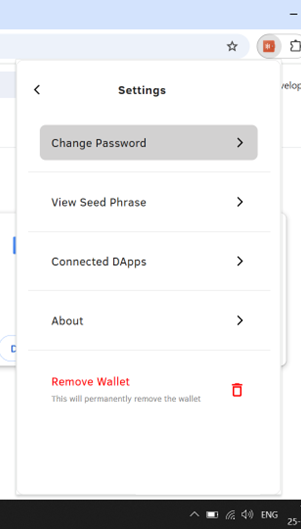
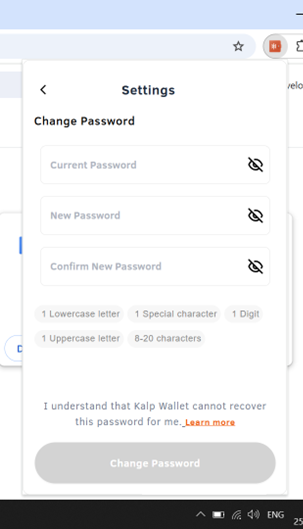
Step 4: Enter the Current Password
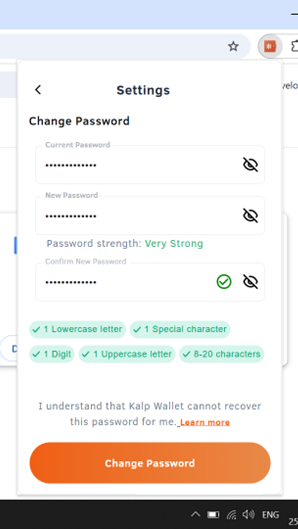
Step 5: Save the Changes
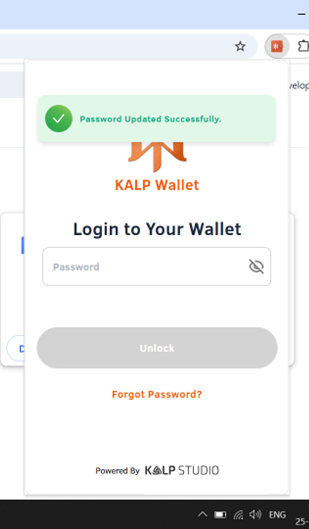
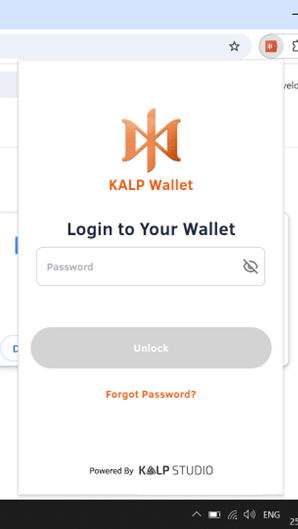
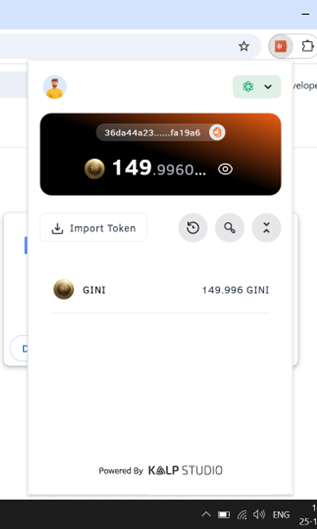
Step 6: Test the New Password
Tips for Password Security:
Last updated